When it comes to managing your daily tasks, goals, and schedules, nothing beats the convenience of All In One Digital/Printable Planners. These resources typically come in PDF format, are easily downloadable, and can be printed on standard letter-sized paper (8.5 x 11 inches), making them accessible for nearly anyone. In this article, I’ll guide you through the steps to choose, download, print, set up, and effectively use these planners to streamline your life.
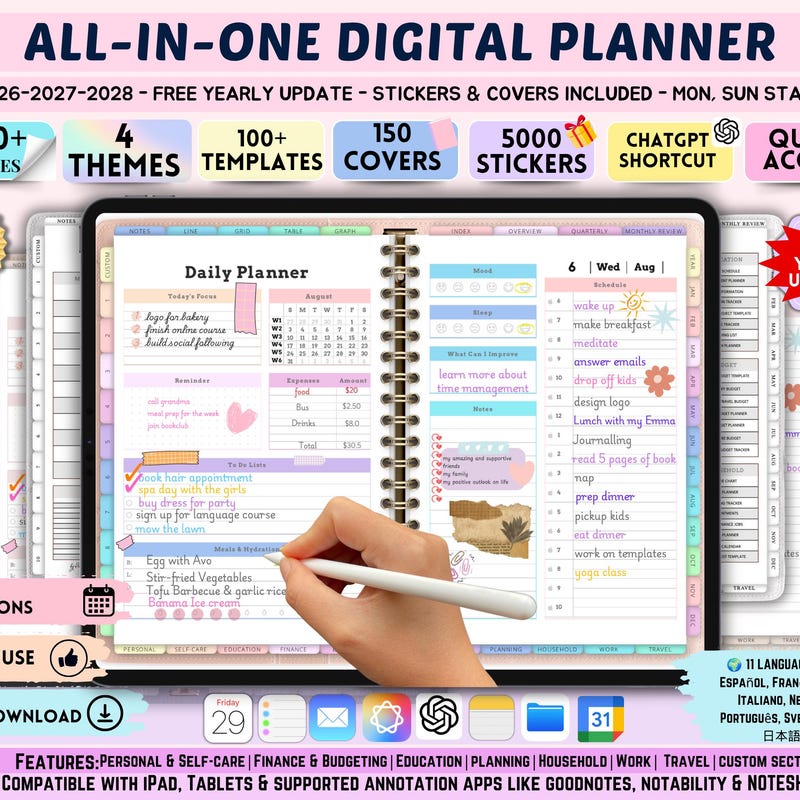
Choosing the Right Planner for Your Needs
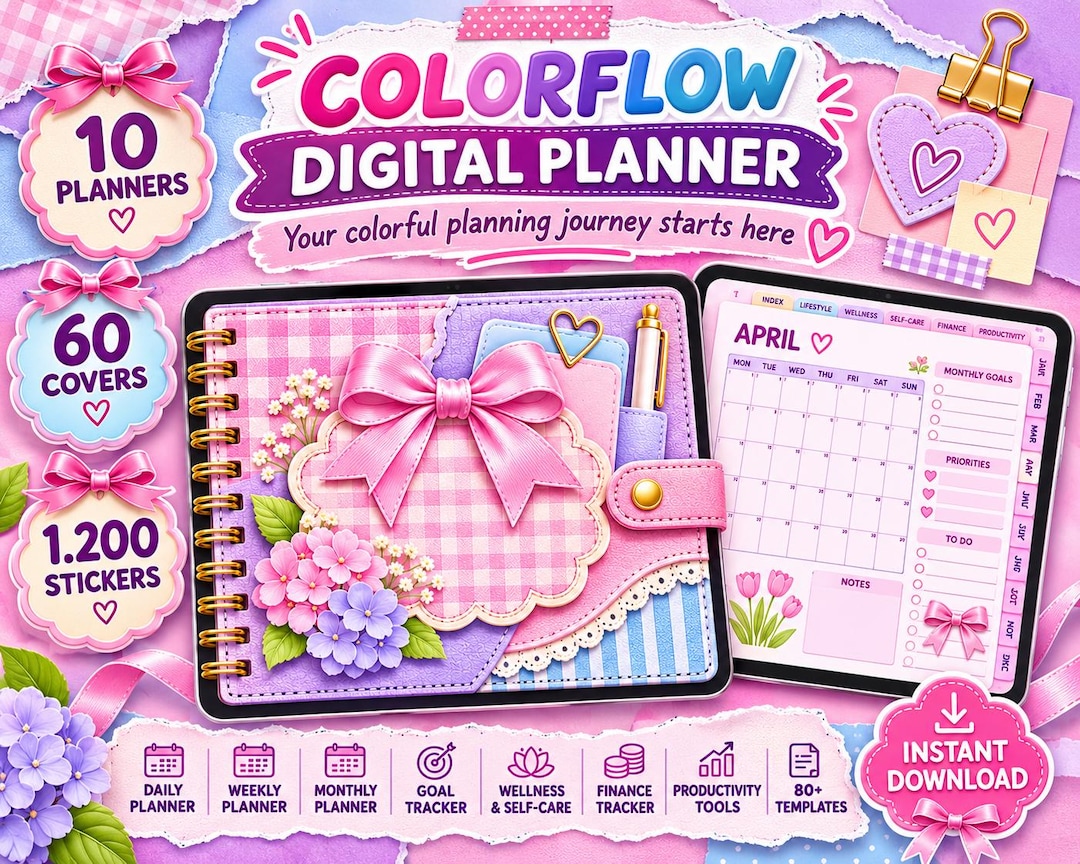
The first step in the process is selecting the right planner that suits your unique needs. With so many options available, it can be overwhelming. Here are some factors to consider:
- Purpose: What are you planning to use the planner for? Is it for daily scheduling, meal planning, tracking habits, or goal setting? Identifying your primary purpose will help narrow down your options.
- Layout Preferences: Some people prefer a daily layout, while others might find a weekly or monthly overview more suitable. Consider how you visualize your time and tasks.
- Design and Aesthetics: The look and feel of the planner can influence your motivation to use it. Choose a design that resonates with you, whether it’s minimalist, colorful, or themed.
- Customization Options: Some planners offer editable templates that allow you to fill in your information digitally before printing. If you love personalization, look for planners that offer this feature.
By considering these factors, you can choose a planner that you’ll actually use, making it easier to stay organized.
Downloading and Printing Your Planner
Once you’ve selected the right planner, it’s time to download it. Most planners are available in PDF format, which is ideal for printing. Follow these steps to ensure a smooth download and printing experience:
- Download the PDF: Click the download link provided on the website. Make sure to save it in a location you’ll remember, like your desktop or a designated folder for planning resources.
- Check Print Settings: Before printing, open the PDF and review the print settings. Portrait layout generally works best for planners. Ensure that the scaling is set to “actual size” to avoid any distortion.
- Use Quality Paper: For durability, consider printing on heavier paper or cardstock. If you plan to laminate your planner for reuse, this step is especially important.
- Print a Test Page: To avoid wasting materials, print a test page first. This will help you confirm that everything looks good and fits within the margins.
- Multiple Copies: If you find a layout you love, consider printing multiple copies for different sections of your life—work, personal, fitness, etc.
By following these steps, you’ll be ready to jump into using your planner without any hiccups.
Setting Up Your Planner
Now that you have your planner printed, it’s time to set it up. Here’s how to make it functional for your daily life:
- Choose a Binding Method: Depending on how you want to use your planner, you can use a three-ring binder, clip it together with binder clips, or even laminate individual pages for a dry-erase option.
- Add Dividers: If your planner covers multiple areas (like work, home, and wellness), consider using dividers to separate each section. This will make it easier to navigate.
- Incorporate Accessories: Enhance your planner’s functionality with sticky notes, washi tape, or color-coded pens. These tools can help you highlight important tasks and deadlines.
- Create a Key or Legend: If you opt for a color-coding system, develop a key that clearly defines what each color represents—like personal tasks, work deadlines, or appointments.
Setting up your planner thoughtfully will encourage you to use it regularly.
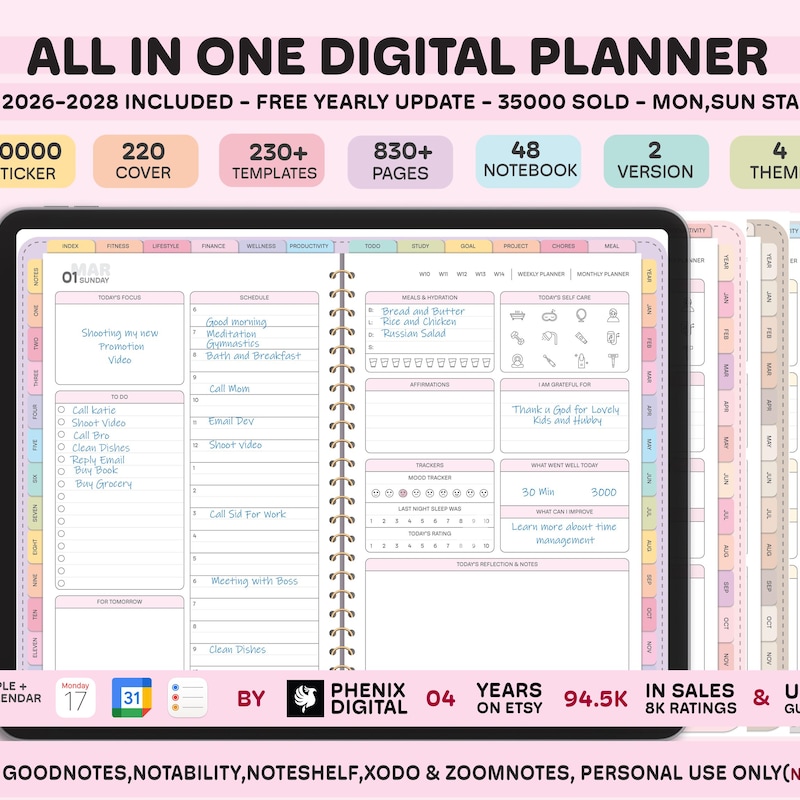
Effectively Using Your Planner Daily
Now that your planner is set up, it’s time to incorporate it into your daily routine. Here are some strategies to ensure you maximize its potential:
- Daily Check-Ins: Spend a few minutes each morning reviewing the day’s tasks and appointments. This will help you mentally prepare for what’s ahead.
- Weekly Planning Sessions: Dedicate time weekly to plan out your upcoming week. Review what you accomplished and adjust your goals as necessary. This reflective practice is key to staying on track.
- Use it as a Habit Tracker: If you’re working on building new habits, incorporate a habit tracker into your planner. This can be as simple as a checklist where you mark off days you successfully completed your goals.
- Adjust as Needed: Don’t be afraid to change your planner’s layout or sections if you find something isn’t working. Flexibility is essential in creating a system that truly works for you.
- Celebrate Your Wins: Take time to acknowledge your accomplishments, no matter how small. This can be as simple as writing down what you’re proud of in your planner.
By integrating these practices into your routine, you’ll find that your planner becomes an essential tool in your daily life.
