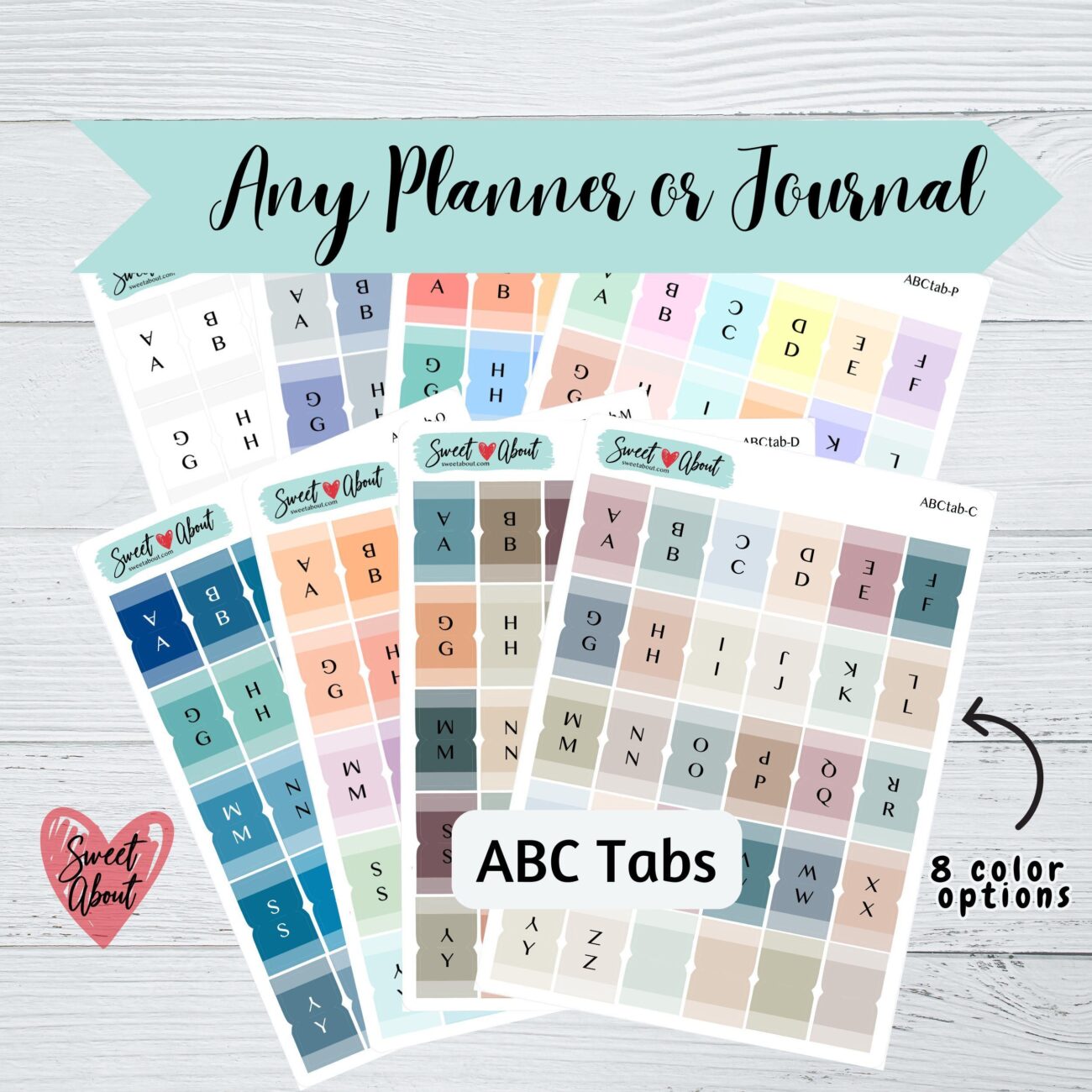
Using an A B C Tabs Planner Free can transform the way you manage your tasks and projects. Unlike other planners that may overwhelm you with options, this one offers a straightforward tabbed layout that helps you categorize your life into manageable sections. Whether you’re a busy parent juggling activities or a professional managing multiple projects, this planner can streamline your planning process. Let’s explore how to set it up effectively and make the most of its features.
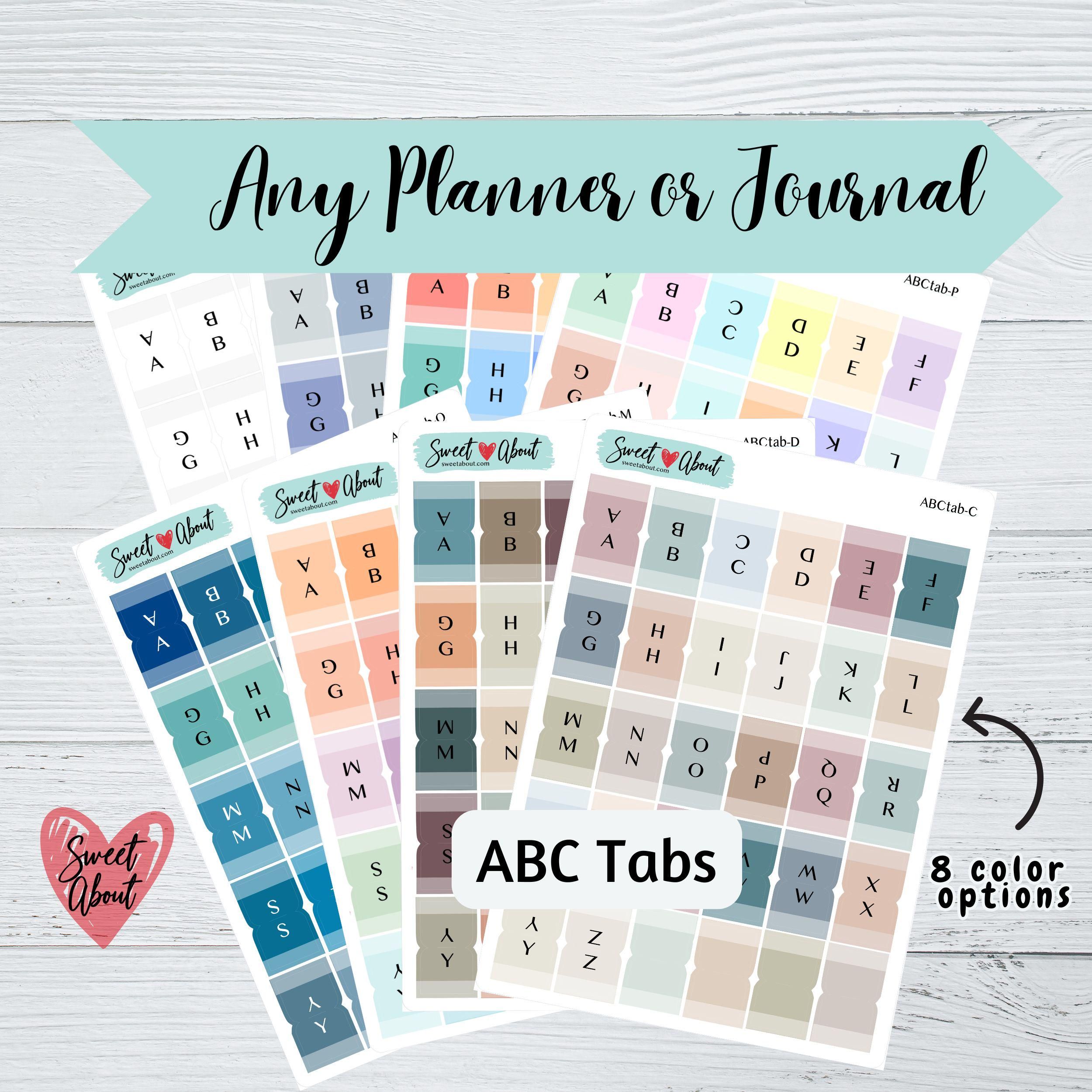
Understanding the A B C Tabs Format
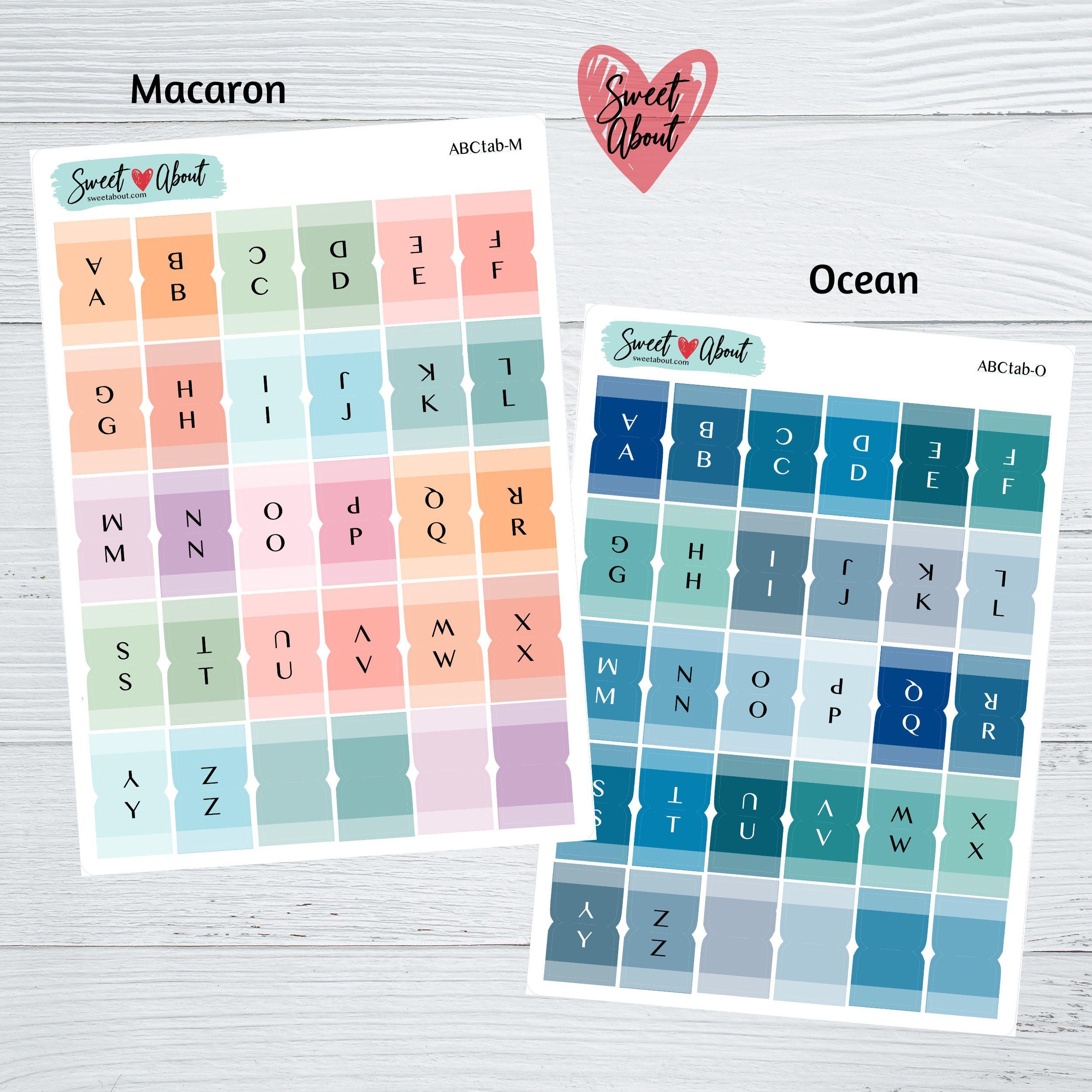
The A B C Tabs Planner utilizes a simple yet effective organizational strategy. Each letter represents a different category or section of your life, making it easy to find what you need at a glance. You can customize these tabs to fit your needs—be it personal, work, or school-related tasks.
The planner’s structure supports a clear and concise approach to task management. You’re not just jotting down tasks; you’re categorizing them in a way that aligns with your daily and weekly rhythms. This method can help you prioritize your activities and avoid the chaos that often comes with a more traditional to-do list.
Setting Up Your A B C Tabs Planner
Setting up the A B C Tabs Planner is straightforward, but it’s essential to customize it to fit your personal needs. Here’s a step-by-step guide to help you get started:
- Choose Your Categories: Decide what each tab will represent. Common categories include Work, Personal, Family, Health, and Finances. You can also create tabs for specific projects or goals.
- Download and Print: Look for a high-quality PDF version of the A B C Tabs Planner Free. Make sure your printer settings are adjusted for the best quality. If you’re using a standard home printer, portrait layout typically works best.
- Cut and Assemble: If your planner comes with printable tabs, cut them out carefully. You might want to use thicker paper or cardstock for durability, especially if you plan to use it regularly.
- Add Your Content: Start filling in each section with tasks, goals, or notes. The planner’s design allows you to jot down important dates, reminders, and anything else relevant to that category.
- Review and Adjust: After a week or two, revisit your planner. Are the categories working for you? Adjust them as necessary. This is your planner, and it should serve your unique needs.
Benefits of Using an A B C Tabs Planner
Using an A B C Tabs Planner Free comes with several advantages that can enhance your productivity:
- Clear Organization: The tabbed sections help you sort tasks by category, making it easier to focus on one area at a time. This reduces the feeling of being overwhelmed.
- Flexibility: You can easily adjust the categories based on your changing needs. For instance, if a new project emerges, simply create a new tab for it.
- Visual Clarity: Having a clear visual layout allows you to see what needs to be done at a glance. This can be especially beneficial for visual learners.
- Enhanced Follow-Through: With designated sections, you’re more likely to follow through on tasks. The planner serves as a constant reminder of what’s important.
Tips for Maximizing Your A B C Tabs Planner
To truly benefit from the A B C Tabs Planner, consider these practical tips:
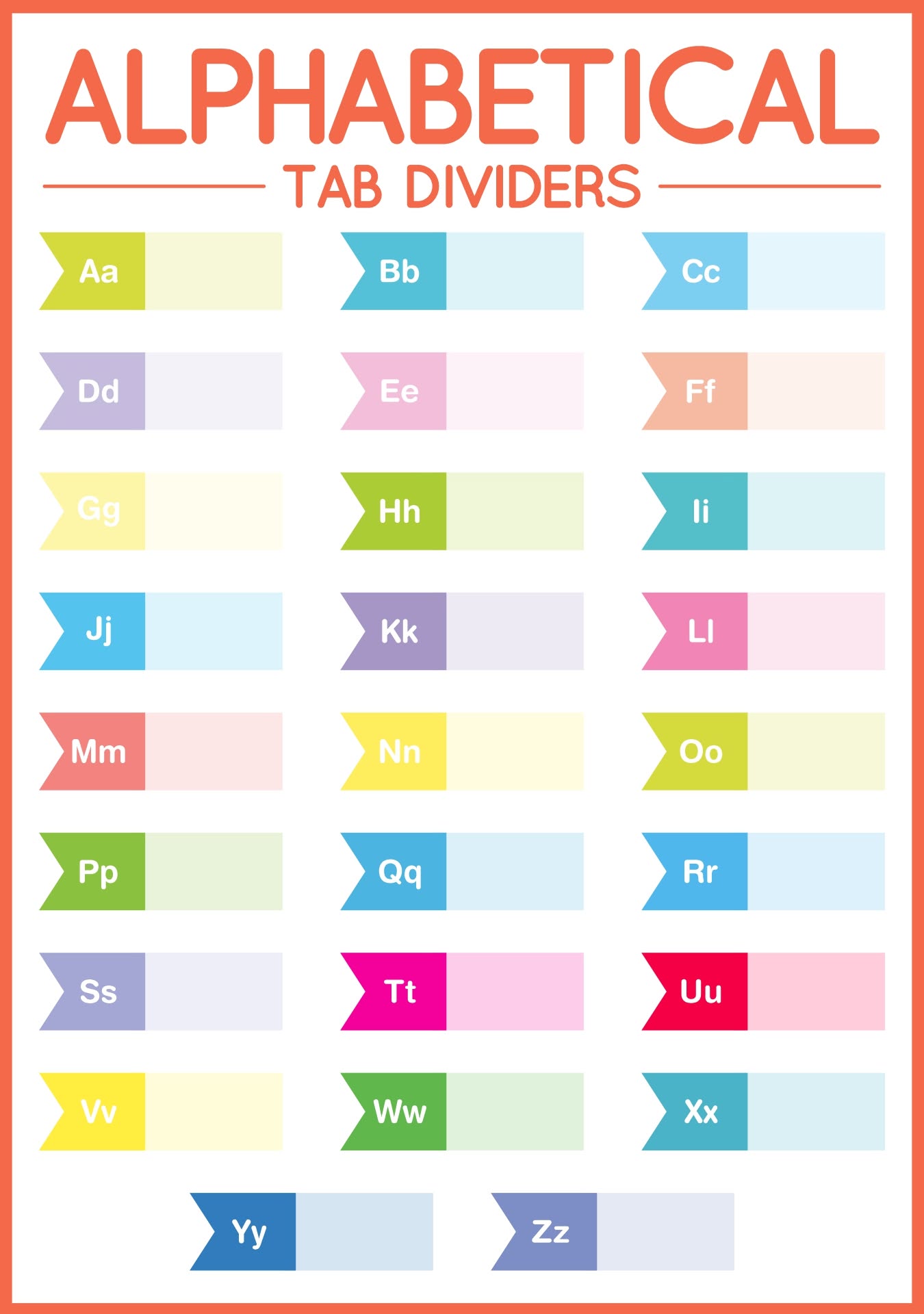
- Use Color Coding: Assign different colors to each tab or task category. This not only makes it visually appealing but also helps in quick identification.
- Incorporate Habit Tracking: If applicable, add a habit tracker within your planner. This can help you stay accountable for daily routines or new habits you’re trying to develop.
- Set Regular Review Times: Schedule a weekly review session to go through your planner. This can be a time to reflect on what you’ve accomplished and what needs attention in the coming week.
- Utilize Digital Options: If you prefer a digital format, consider using apps that mimic the A B C Tabs structure. This can offer the same organizational benefits while being more portable.
