Managing personal finances can often feel overwhelming, especially when juggling multiple bills and expenses. Picture this: it’s the start of a new month, and you’re staring at your stack of bills, trying to remember when each one is due and how much you owe. This is where a Bi Weekly Bill Planner Template Downlad can come to your rescue. This handy resource allows you to organize your financial obligations in a clear, structured way, helping you stay on top of your payments and avoid late fees.
Understanding the Bi Weekly Bill Planner Template
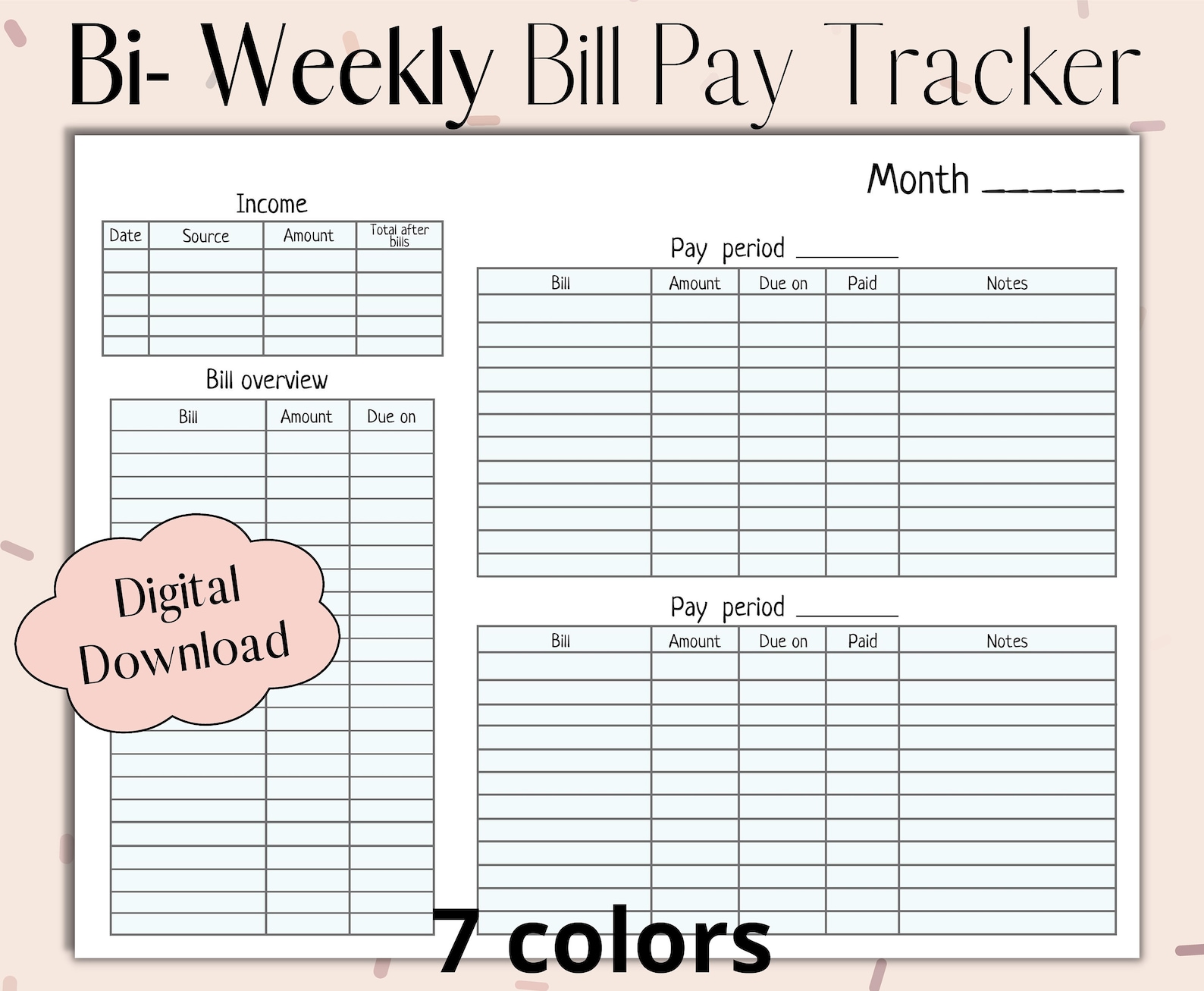
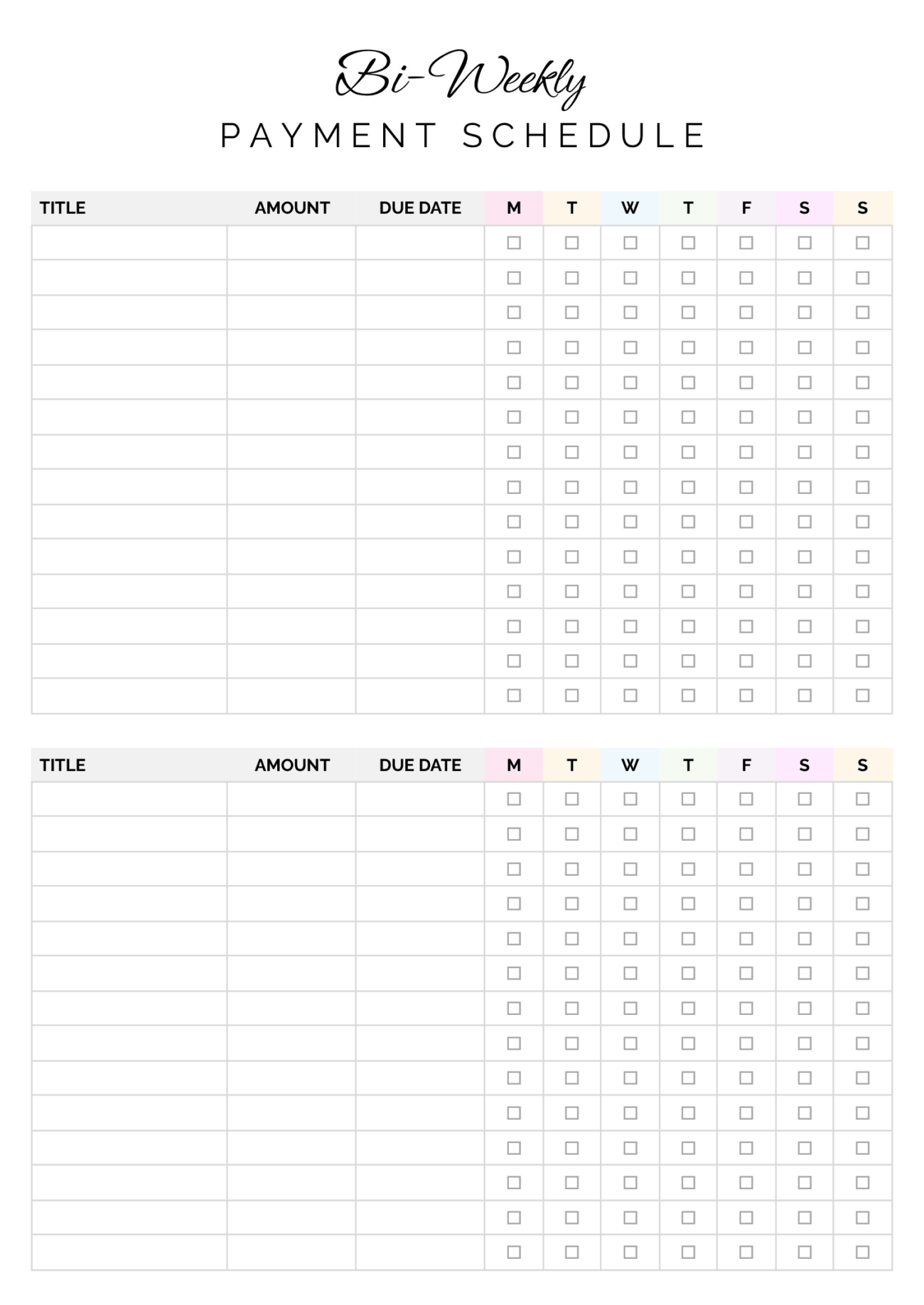
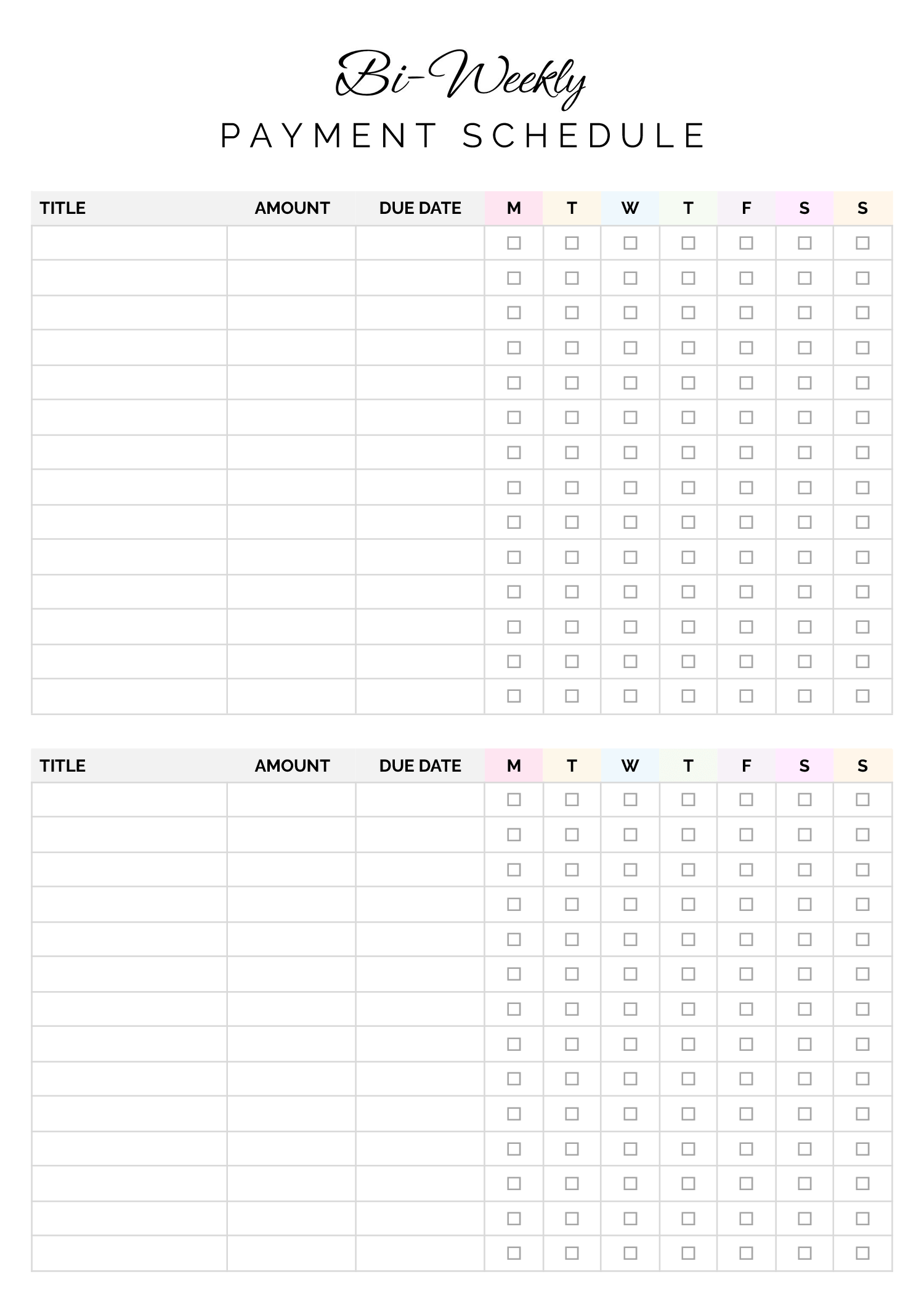
A Bi Weekly Bill Planner Template is designed to help you plan your finances over a two-week period. It typically includes sections for listing the bills you need to pay, their due dates, amounts, and a checkbox for when you’ve paid them. This straightforward layout makes it easy to visualize your financial commitments without feeling overwhelmed.
Whether you’re a student managing tuition payments, a busy entrepreneur keeping track of business expenses, or a stay-at-home parent organizing household bills, this template can fit seamlessly into your routine. By having your bills laid out in front of you, it becomes much easier to allocate your budget effectively.
How to Set Up Your Bi Weekly Bill Planner
Setting up your Bi Weekly Bill Planner is a simple process, and it all starts with gathering your bills. Here’s how to get started:
- Gather Your Bills: Collect all your bills, including utilities, rent or mortgage, insurance, and any subscriptions. Make sure to note their due dates and amounts.
- Choose a Format: You can download the Bi Weekly Bill Planner Template in various formats, such as PDF or Excel. If you prefer a digital format, Excel allows for easy adjustments. For those who like pen and paper, the PDF version can be printed out.
- Fill in the Template: Begin by entering the name of each bill in the designated space. Next, write in the due date and the amount due. Be sure to leave space for notes if you need to add any special instructions or reminders for yourself.
- Prioritize Payments: If you have bills due on the same day, prioritize them based on importance. For example, housing and utilities should come first before discretionary expenses.
- Review and Update Regularly: Make it a habit to review your planner every week. Check off bills as you pay them and adjust any upcoming payments if your financial situation changes.
Benefits of Using a Bi Weekly Bill Planner Template
Using a Bi Weekly Bill Planner Template offers multiple advantages that can make managing your finances easier and less stressful:
- Visual Organization: Seeing all your bills in one place helps you avoid missing due dates and incurring late fees. It gives you a clear picture of your financial landscape.
- Budgeting Aid: This template allows you to allocate your funds more accurately. By knowing what’s due, you can plan your spending around your bills, leading to better budgeting habits.
- Stress Reduction: When your bills are organized, you’ll spend less time worrying about finances and more time focusing on other areas of your life. It can make the financial aspect feel less daunting.
- Flexible Use: Whether you’re planning for the month ahead or just the next two weeks, this template is adaptable to your needs. You can tweak it as necessary to fit your personal financial style.
Tips for Maximizing Your Bi Weekly Bill Planner
To get the most out of your Bi Weekly Bill Planner Template, consider these practical tips:
- Track Variable Expenses: In addition to fixed bills, you might want to include variable expenses like groceries and entertainment. This will give you a fuller picture of your spending habits.
- Color Code Your Bills: To make your planner visually appealing and easier to navigate, use different colors for different types of bills (e.g., red for utilities, blue for subscriptions).
- Set Reminders: If your template doesn’t include a reminder system, set alerts on your phone or calendar for due dates. This extra step can help ensure you don’t miss payments.
- Review Past Bills: To anticipate future expenses, take a look at previous months’ bills. This can help you spot trends and prepare for any upcoming changes in your financial obligations.
Adapting the Template for Different Needs
The beauty of the Bi Weekly Bill Planner Template is its versatility. Depending on your specific situation, you might need to adapt it in various ways:
- For Students: Include tuition payments, student loans, and textbook purchases. You might also want to track additional expenses like supplies or extracurricular activities.
- For Entrepreneurs: Focus on business-related expenses, such as software subscriptions, marketing costs, and rent for your office space. You can also add a section for tracking income to see how it aligns with your expenses.
- For Stay-at-Home Parents: You might include household expenses, grocery bills, and childcare costs. This can help you manage your family budget more effectively while also planning for any upcoming events or purchases.
Printing and Using Your Bi Weekly Bill Planner
Once you’ve completed your Bi Weekly Bill Planner Template, it’s time to put it to use. If you’ve chosen a PDF format, make sure to print it on good-quality paper for durability. Here are a few tips for printing and using your planner effectively:
- Paper Choice: Use a heavier cardstock if you plan to laminate your planner for longevity. This will allow you to write on it with dry-erase markers, making it easy to update as needed.
- Printer Settings: Ensure your printer settings are adjusted for the best quality. A portrait layout tends to work better for most home printers, while ensuring the print fits the page correctly.
- Storage: Keep your planner in a dedicated spot, such as a binder or folder, so it’s easy to access when you need it. This way, you can update it regularly without losing track of it.
- Regular Updates: Make it a habit to sit down every two weeks to review and update your planner. This not only keeps your finances organized but also encourages regular engagement with your financial health.
Using a Bi Weekly Bill Planner Template can transform the way you manage your finances, providing clarity and reducing stress. Download your template today, set it up, and start taking control of your financial future!
